
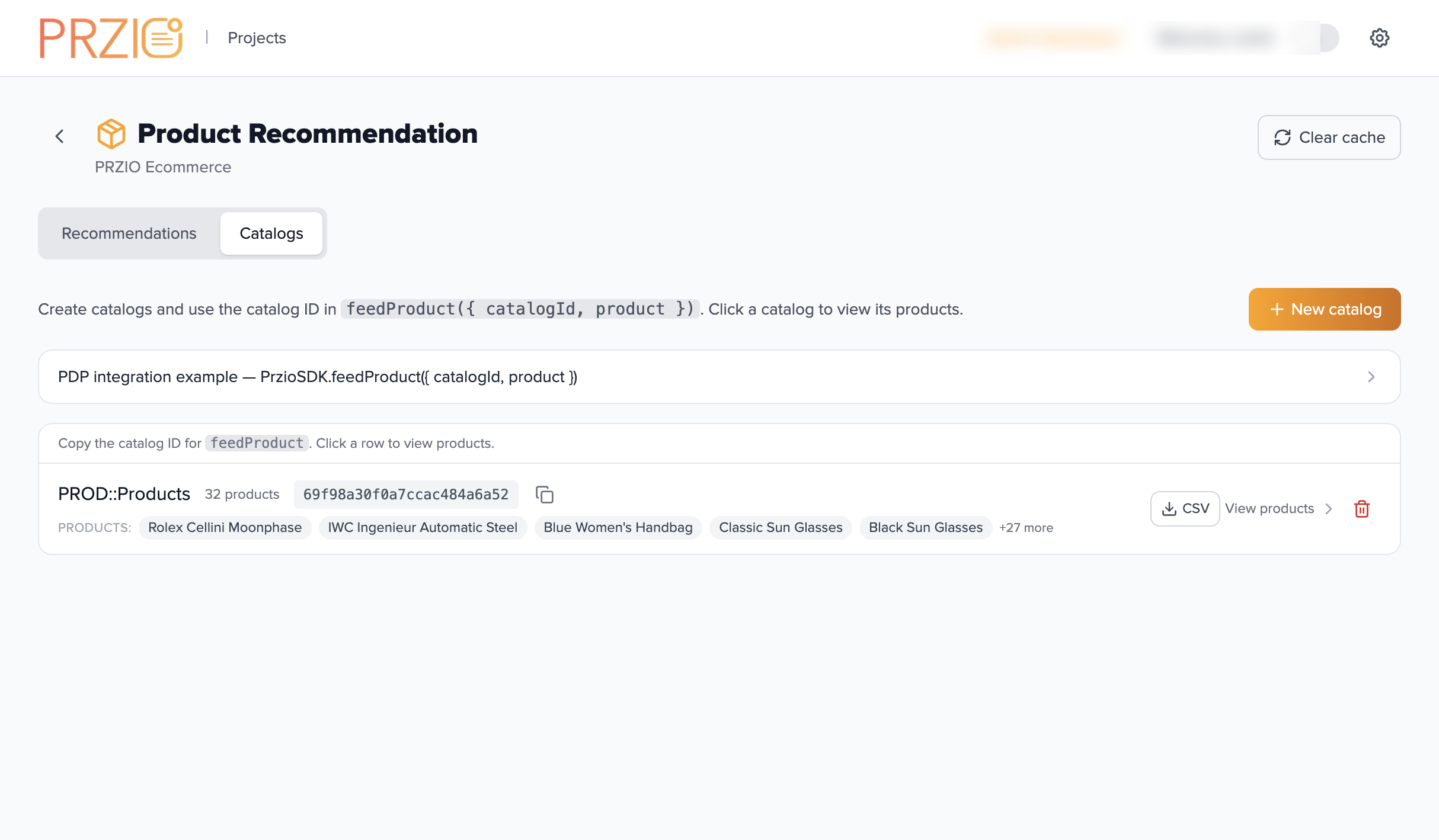
Bring your own catalog
Feed products from your PDP via feedProduct — once a product is in PRZIO, every recommendation activity can use it.
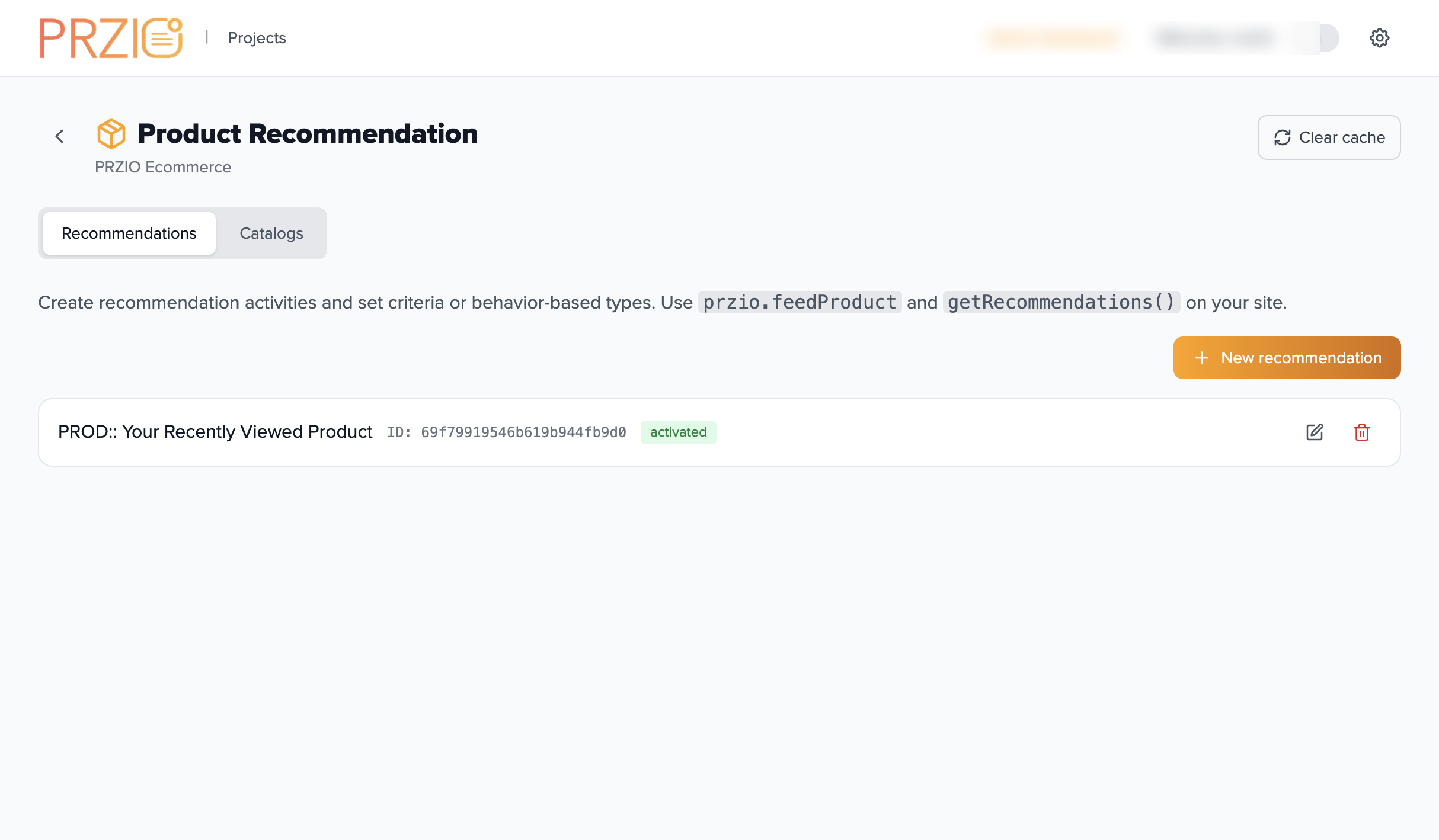
Mix behavior signals, AI, and rules in a single recommendation activity. Same SDK call, different smarts behind it.
Feed products from your PDP via feedProduct — once a product is in PRZIO, every recommendation activity can use it.
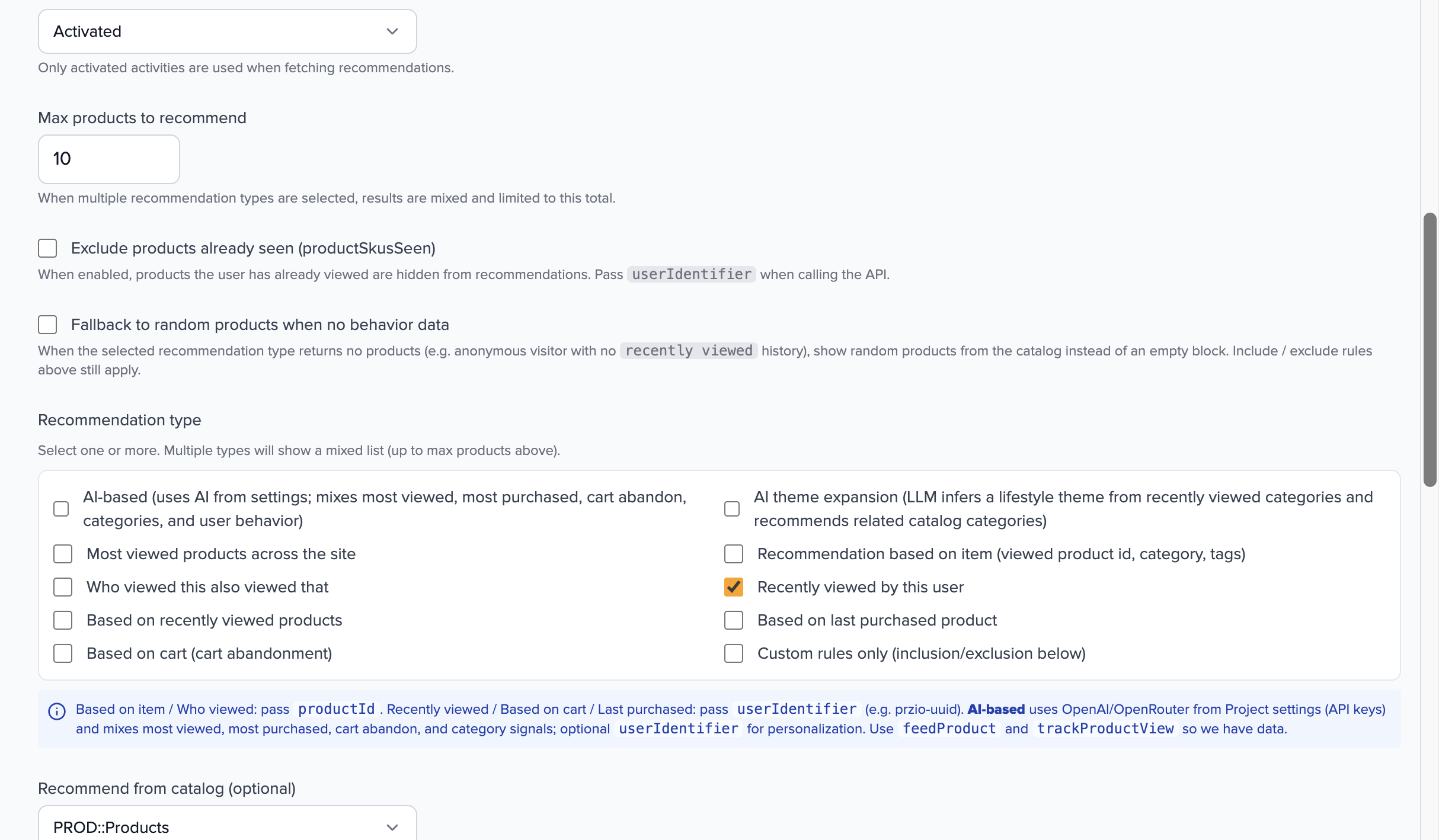
AI-based, AI theme, most viewed, similar, who-viewed-this, recently viewed, last purchased, cart, or pure custom rules — pick one or mix several.
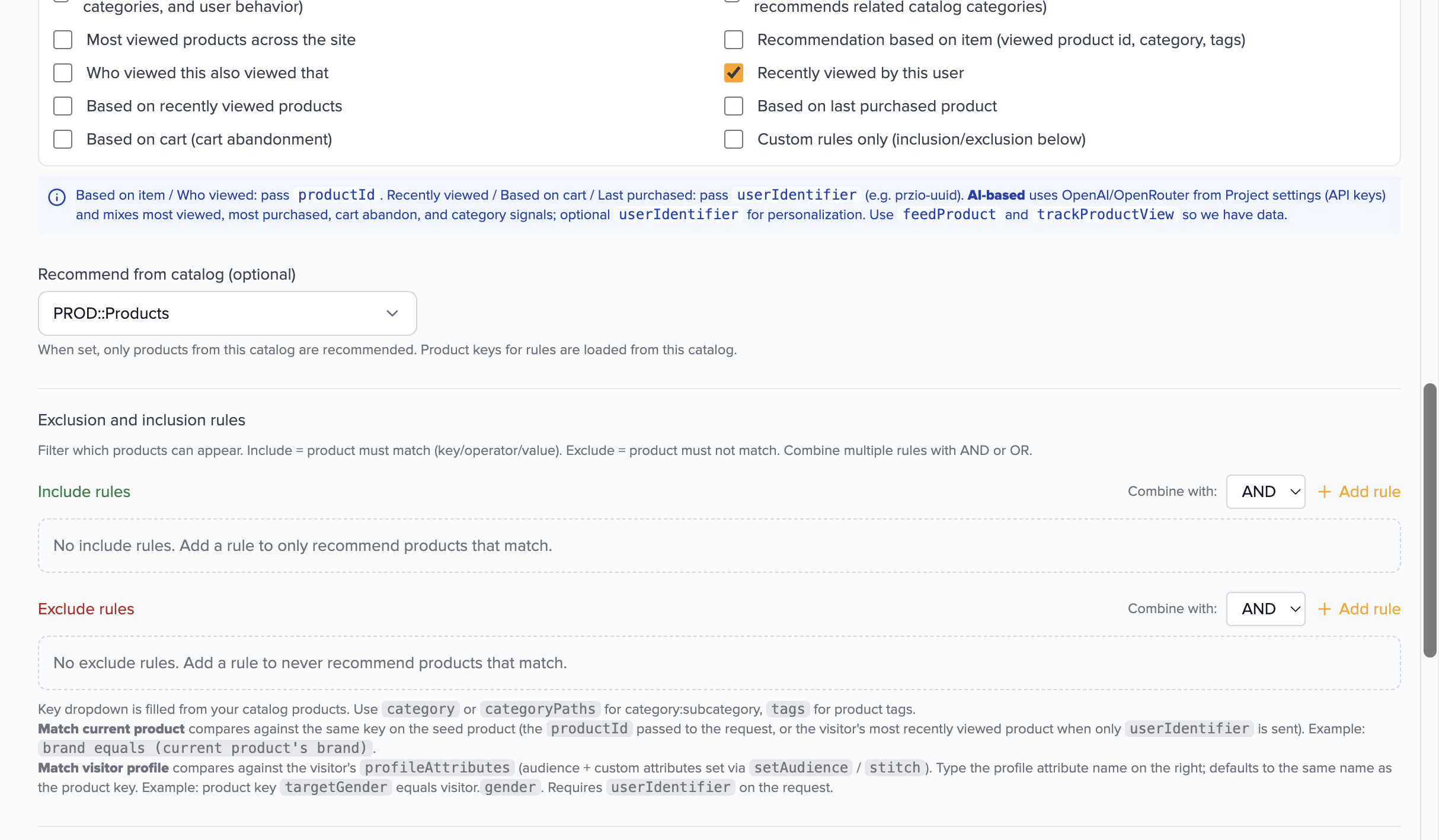
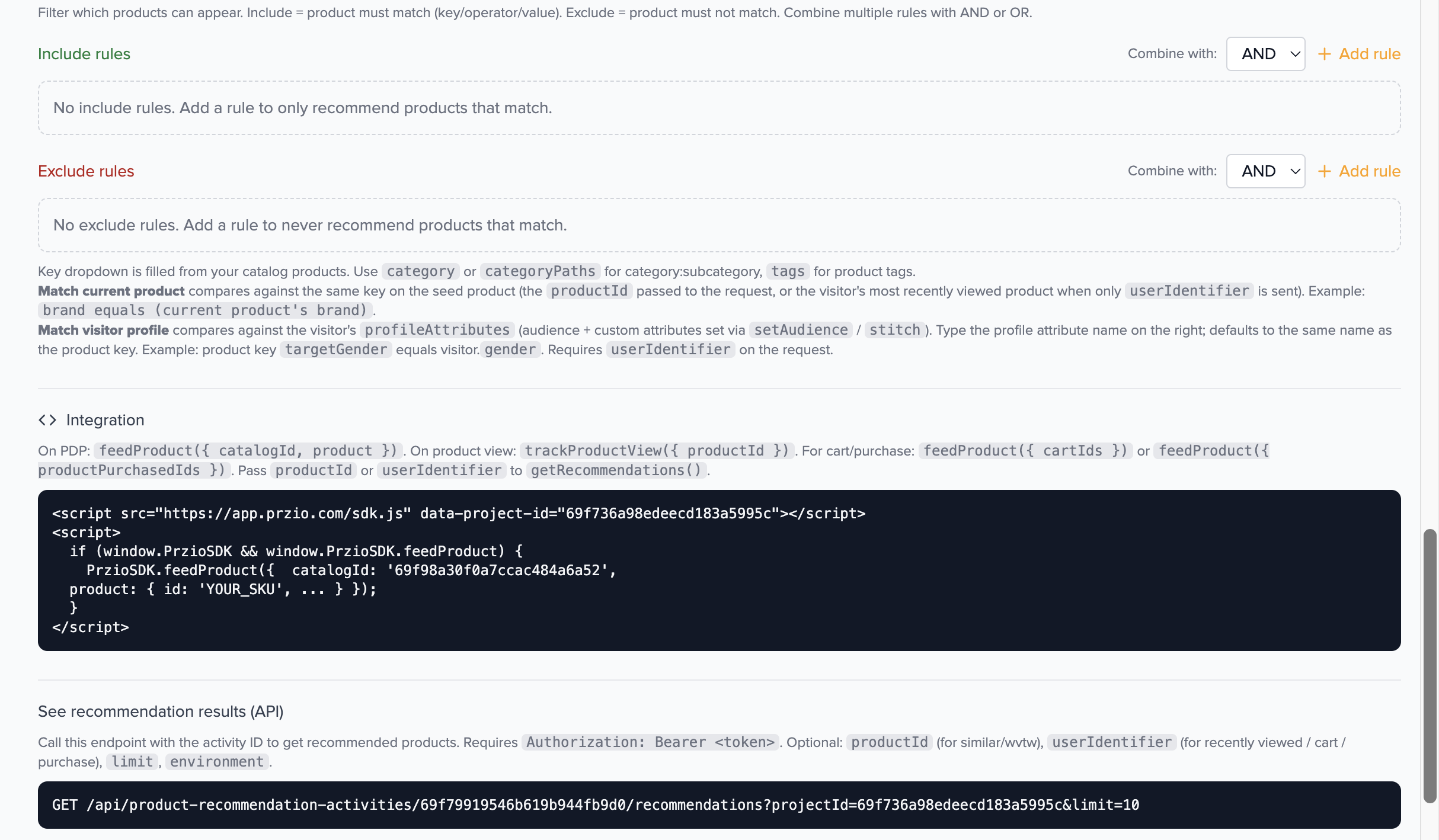
Layer key/operator/value rules on top — match against the seed product, the visitor profile, or any catalog field with AND/OR logic.
Each type has a clear job. Combine multiple in one activity to fill the carousel even when a visitor has limited history.
Mixes most viewed, most purchased, cart abandon, categories, and visitor history — ranked by your configured AI provider.
The LLM infers a lifestyle theme from recently viewed categories and recommends related catalog categories.
Top products across the site or catalog, counted by unique sessions. Great for homepage and trending strips.
Score on shared categories, tags, brand, and other identifying keys against the current product.
Co-view from sessions that viewed the seed product, with a category/tag fallback when traffic is sparse.
Literal “your recently viewed” for the current visitor — perfect for cart, account, and post-search pages.
Round-robin across categories the visitor browsed — diverse picks instead of more of the same item.
Score new candidates against categories/tags from the visitor's purchase history (cross-sell & replenishment).
Bring back cart abandoners with related products from the items they almost bought.
Pure rules — match key/operator/value across categories, tags, brand, price, audience, or any catalog field.
Three pillars — feed, configure, and embed. Each backed by the real PRZIO UI.
Drop the snippet on each product page; PRZIO stores categories, tags, price, brand, and any extra keys you send.
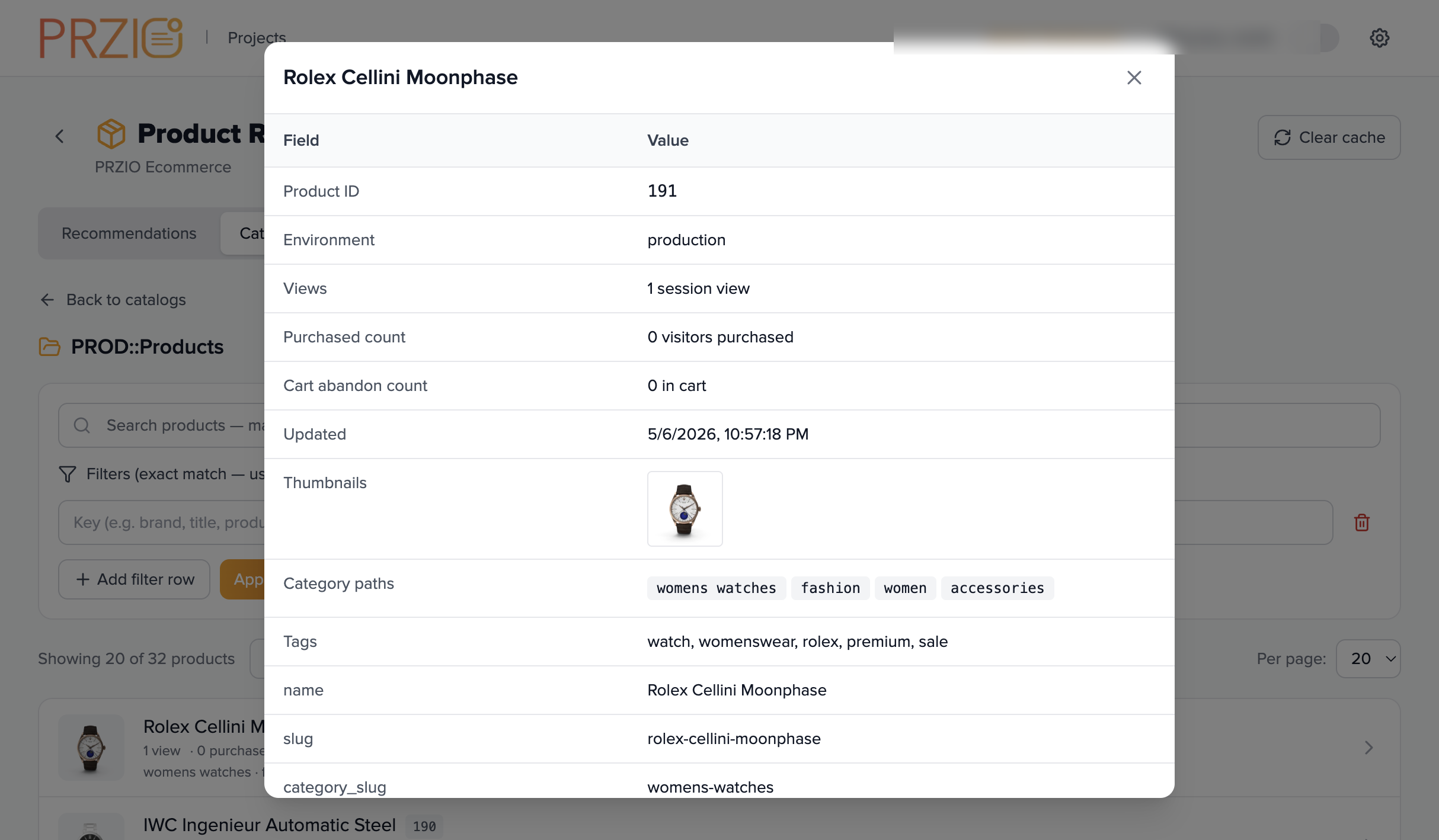
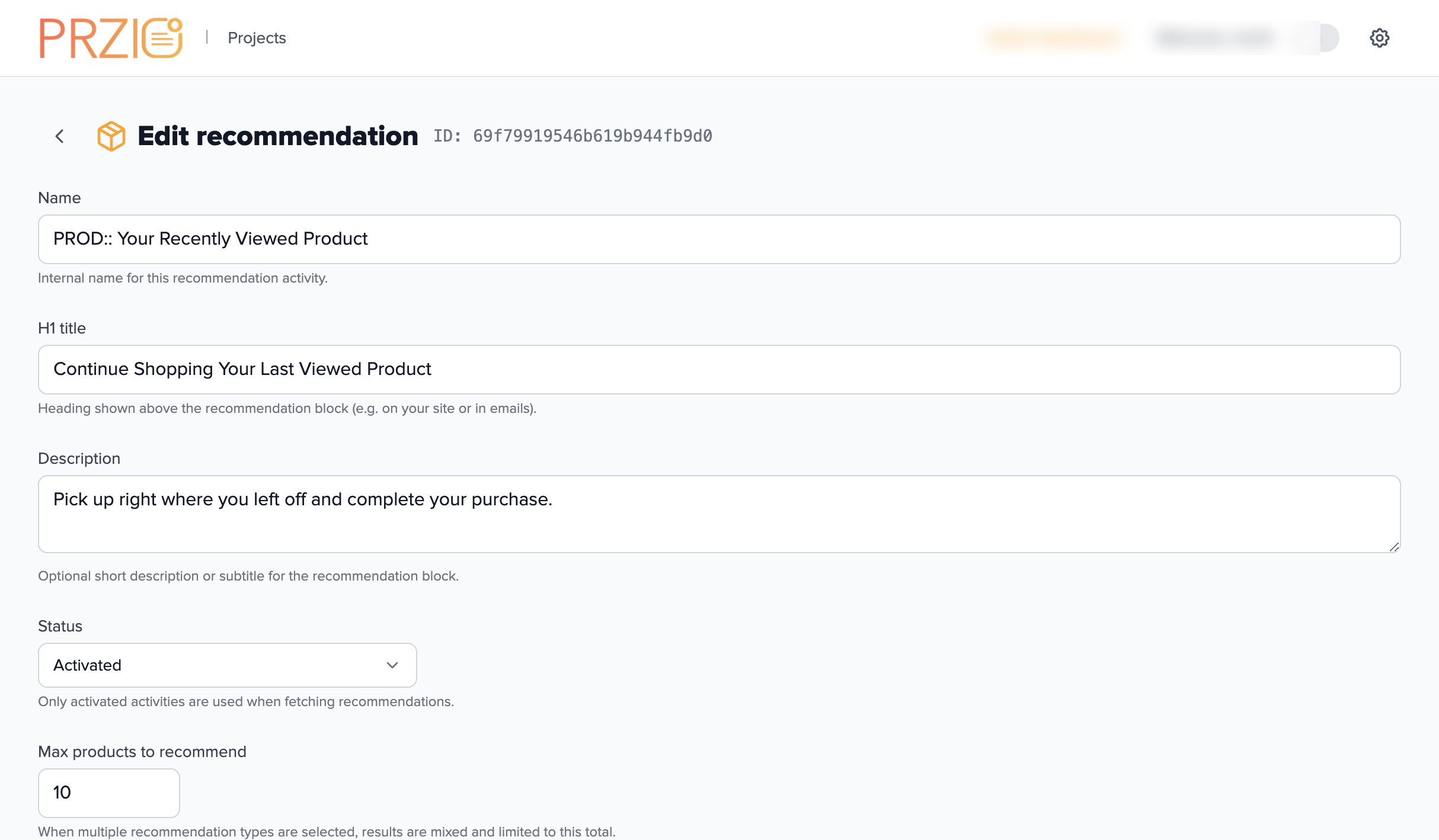
Choose one or many recommendation types, cap the count, exclude already-seen products, and decide what should happen when behavior data is missing.
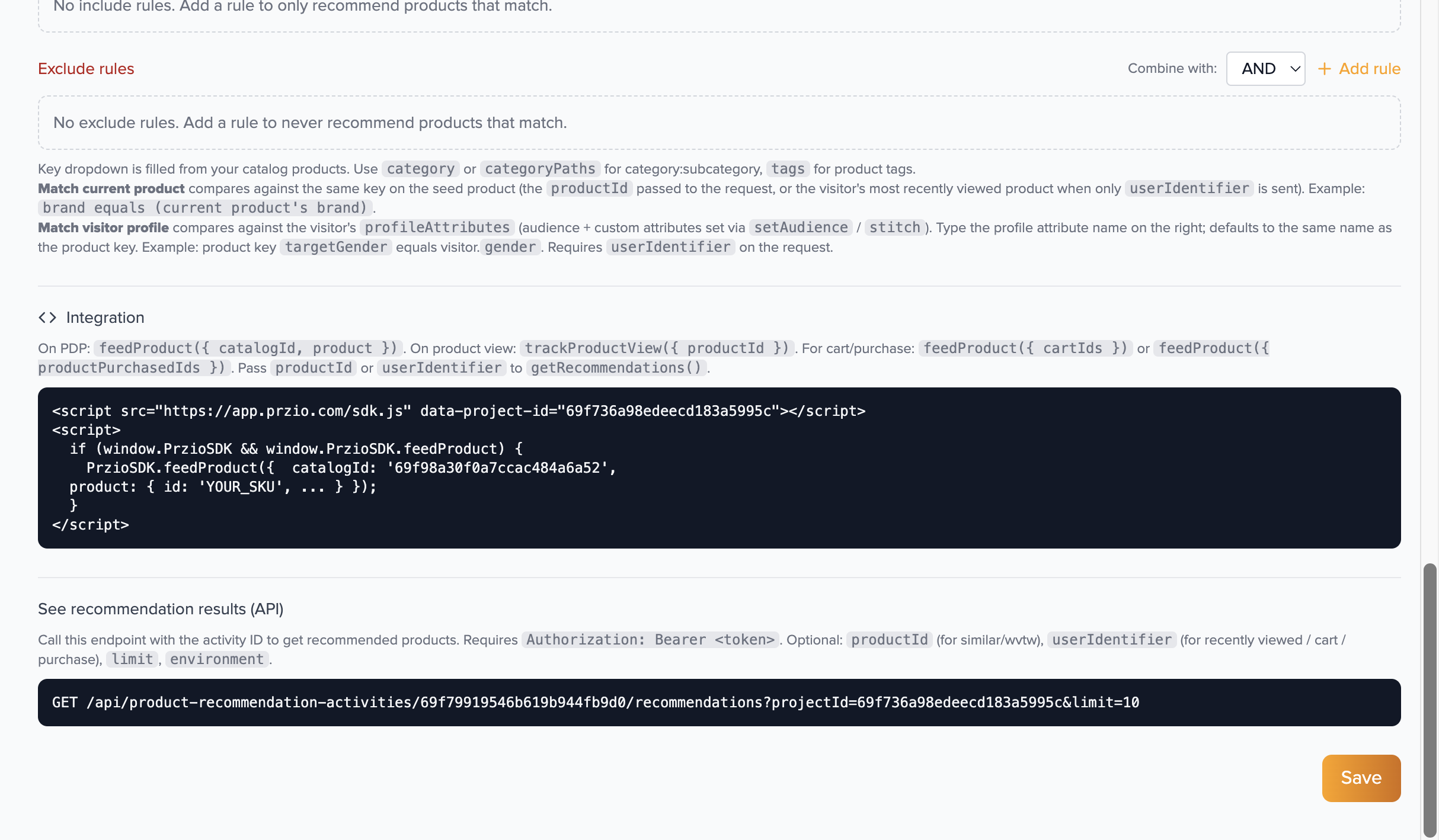
Call the recommendations endpoint with the activity ID; render with your own components, or use the PRZIO embed snippet for a drop-in carousel.
The same project catalogs and recommendation activities can power your embedded assistant — help visitors discover products through conversation without leaving the chat.
Wire recommendation activities into conversational flows so the assistant can suggest relevant SKUs, explain choices, and deep-link to your storefront — all fed by the catalog you already send with feedProduct.
The same SDK script powers personalization, popups, and product recommendations.
Replace YOUR_PROJECT_ID and YOUR_CATALOG_ID with values from the PRZIO catalog list.
<script src="https://app.przio.com/sdk.js"
        data-project-id="YOUR_PROJECT_ID"></script>
<script>
  if (window.PrzioSDK && window.PrzioSDK.feedProduct) {
    PrzioSDK.feedProduct({
      catalogId: 'YOUR_CATALOG_ID',
      product: {
        id: 'SKU-456',
        title: 'Wireless Headphones',
        category: 'Electronics:Audio:Headphones',
        tags: ['sale', 'bestseller'],
        price: 99.99,
        brand: 'Acme',
        thumbnails: ['https://mysite.com/images/sku-456.jpg']
      }
    });
  }
</script>
Use PrzioSDK.getRecommendations from the browser, or call the REST endpoint directly from your backend.
// Browser
const { recommendations } = await PrzioSDK.getRecommendations({
  activityId: 'YOUR_ACTIVITY_ID',
  productId: 'CURRENT_SKU',     // optional — for similar / who-viewed-this
  userIdentifier: 'visitor-id', // optional — for recently viewed / cart / purchase
  limit: 10
});

// Backend
GET /api/sdk/recommendations
  ?projectId=YOUR_PROJECT_ID
  &activityId=YOUR_ACTIVITY_ID
  &limit=10
Open the full guide for catalog setup, every recommendation type, include/exclude rules, and the complete API reference.
Open documentationCopyright © 2026 PRZIO. All rights reserved.