
Creative that stays on-brand
Assets Manager pairs especially well with PRZIO free web hosting and popup campaigns when you are launching pages and offers every week.
Stop hunting through chat threads for the latest logo or campaign image. Centralize files and brand content so every popup, email, and hosted page stays on-brand and production-ready.
When creative lives in random folders and chat threads, campaigns slip and brand quality drops. PRZIO Assets Manager gives growth and creative teams one practical place to store and reuse what they ship—inside the same platform that hosts and personalizes the site.
Each capability below is designed to ship without a long engineering backlog, and to share audiences and measurement with the rest of PRZIO.
Store approved brand assets where marketers actually work—next to hosting, popups, and campaigns.
Pull the same files into popups, pages, and campaigns without re-uploading or losing track of the latest version.
Reduce the “where is that banner?” delay that kills weekly campaign momentum.
Keep visual identity stable as more teammates publish experiences across the funnel.
Keep assets tied to the PRZIO project shipping the work so agency and multi-brand teams stay organized.
Stay inside the same platform that hosts and personalizes your site instead of bouncing between drives and design tools for every publish.
A simple path your team can follow in one sitting, then iterate weekly.
Add logos, product shots, banners, and campaign creative to the library with clear naming.
Keep structure simple so teammates find the right file in seconds during launch week.
Use assets in hosting pages, popups, and email without leaving PRZIO.
Start with one high-impact scenario, prove the lift, then expand to the rest of the funnel.
Keep each client’s creative separated and easy to find inside the right project.
Swap banners and offer art without redesigning whole pages every time.
Standardize imagery used in chat, popups, and landing pages for a coherent brand feel.
Assets Manager pairs especially well with PRZIO free web hosting and popup campaigns when you are launching pages and offers every week.
It is a practical asset library for growth publishing inside PRZIO—focused on speed and consistency for campaigns, not enterprise DAM complexity.
Usually marketing ops or a brand lead sets structure; creators and growth marketers reuse assets daily.
Yes—especially when you launch landing pages weekly and need approved creative ready at publish time.
Practical guides to help you get more from Assets Manager and the rest of PRZIO.
Discover practical website experiments that help attract qualified visitors, improve conversion rates, and generate more leads with measurable results.
Read more →Learn how AI chatbots improve website support, qualify visitors, assist live agents, and help ecommerce teams increase conversions with PRZIO.
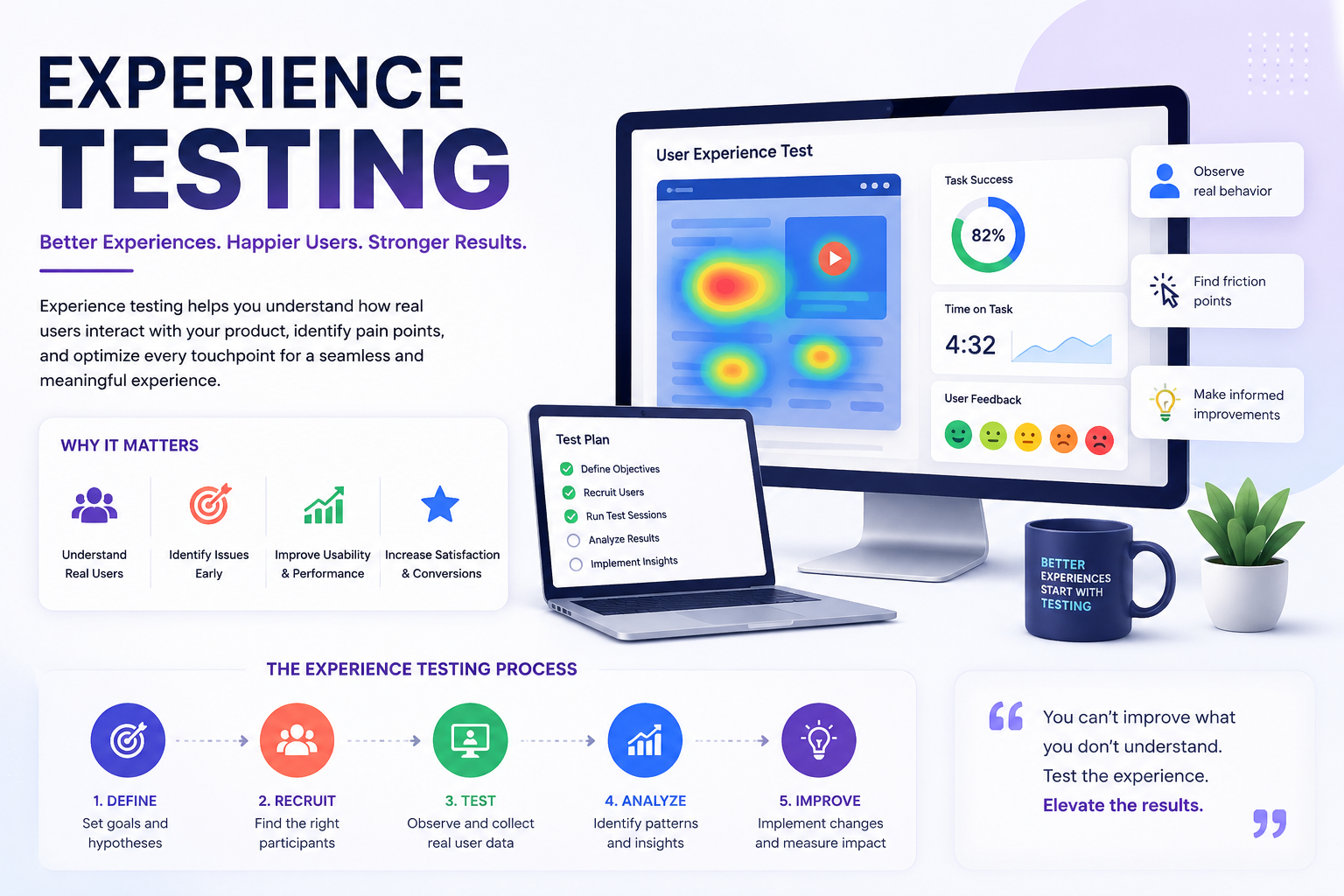
Read more →Learn how experience testing and activity-based personalization help growth teams turn onsite behavior into higher conversions with PRZIO.
Read more →Connect this product to the rest of your PRZIO growth stack.
Book a walkthrough tailored to your funnel, or start free and explore inside your PRZIO project today.