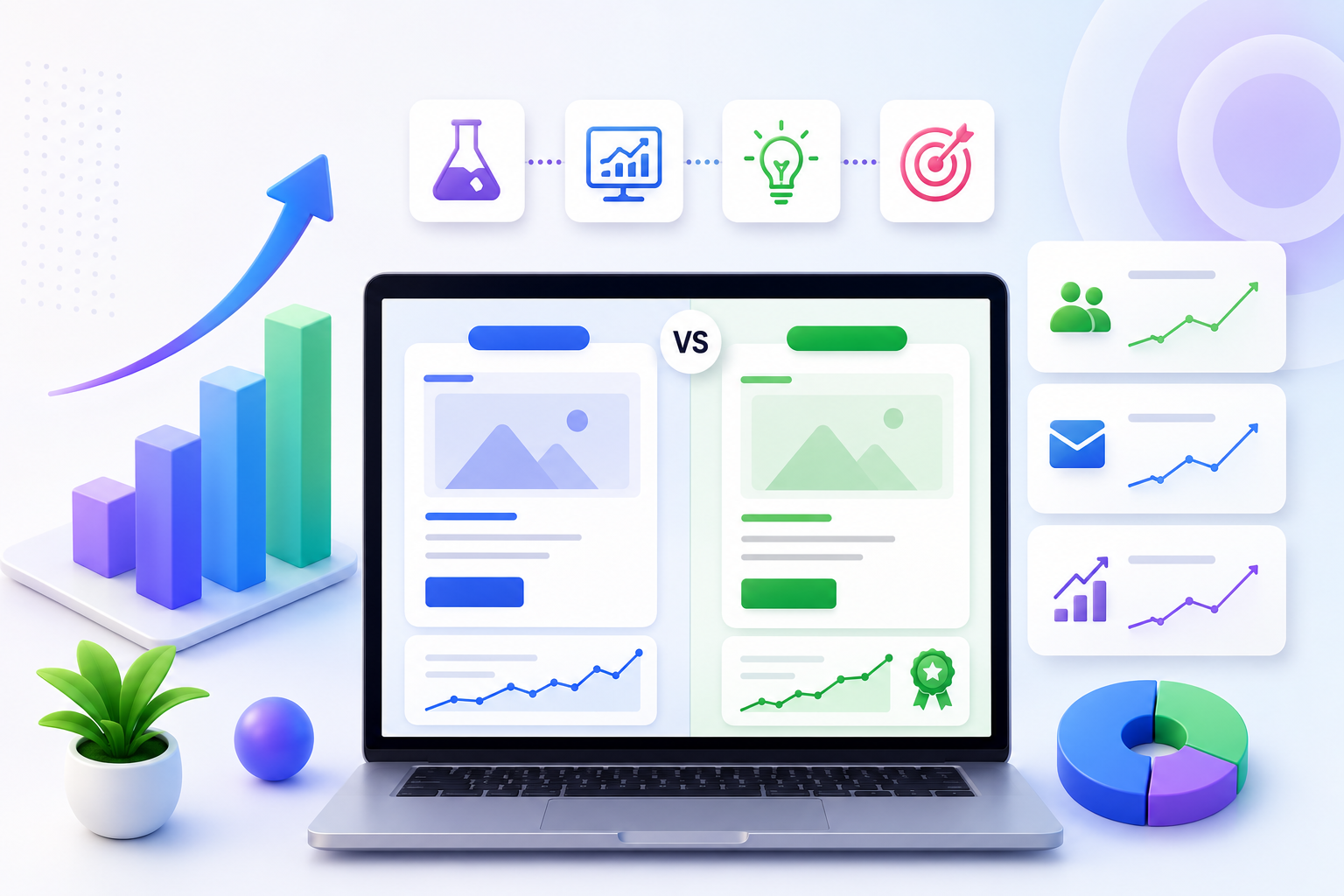

One audience graph for the whole funnel
Pair audiences with Website Tracker events and personalization for a complete activate → measure loop that does not fall apart between tools.
Build one source of truth for who your visitors are and what they intend to do. Segment behavior, stitch identities, and activate the same people across personalization, popups, email, and recommendations.
Tool sprawl creates conflicting lists. PRZIO Audience Manager is the shared layer behind experiments, popups, recommendations, and email—so activation stays consistent and measurement stays trustworthy across the funnel.
Each capability below is designed to ship without a long engineering backlog, and to share audiences and measurement with the rest of PRZIO.
Group visitors by actions—not just demographics—so activation feels relevant to what people actually did on your site.
Connect fragmented sessions into a more reliable profile over time for returning visitors and multi-device journeys.
Reuse segments in experiments, popups, recommendations, and email without re-exporting CSVs.
Prioritize high-intent cohorts for offers and sales follow-up when Tracker events show strong product interest.
Retire the habit of rebuilding the same audiences in every disconnected SaaS tool each quarter.
Give growth, CRM, and merchandising a shared definition of new visitors, abandoners, and VIPs.
A simple path your team can follow in one sitting, then iterate weekly.
Start with a clear job: new visitors, cart abandoners, VIPs, or campaign traffic—named for the outcome you want.
Combine Tracker events and attributes into a segment you can activate across the stack.
Use the segment in personalization, popups, and email without rebuilding it in each tool.
Start with one high-impact scenario, prove the lift, then expand to the rest of the funnel.
Personalize homepage messaging for awareness versus loyalty moments with different CTAs and proof.
Trigger recovery popups and email with consistent offers and product context.
Show premium recommendations and exclusive campaigns to visitors with strong purchase signals.
Pair audiences with Website Tracker events and personalization for a complete activate → measure loop that does not fall apart between tools.
ESP lists are usually channel-specific. Audience Manager is the shared segment layer for onsite and messaging inside PRZIO.
Tracker events make segments much stronger. Start with basic cohorts, then enrich with activity metrics as you instrument key actions.
Yes—keep each brand’s audiences inside its PRZIO project so activation stays clean and separated.
Practical guides to help you get more from Audience Manager and the rest of PRZIO.
Discover practical website experiments that help attract qualified visitors, improve conversion rates, and generate more leads with measurable results.
Read more →Learn how AI chatbots improve website support, qualify visitors, assist live agents, and help ecommerce teams increase conversions with PRZIO.
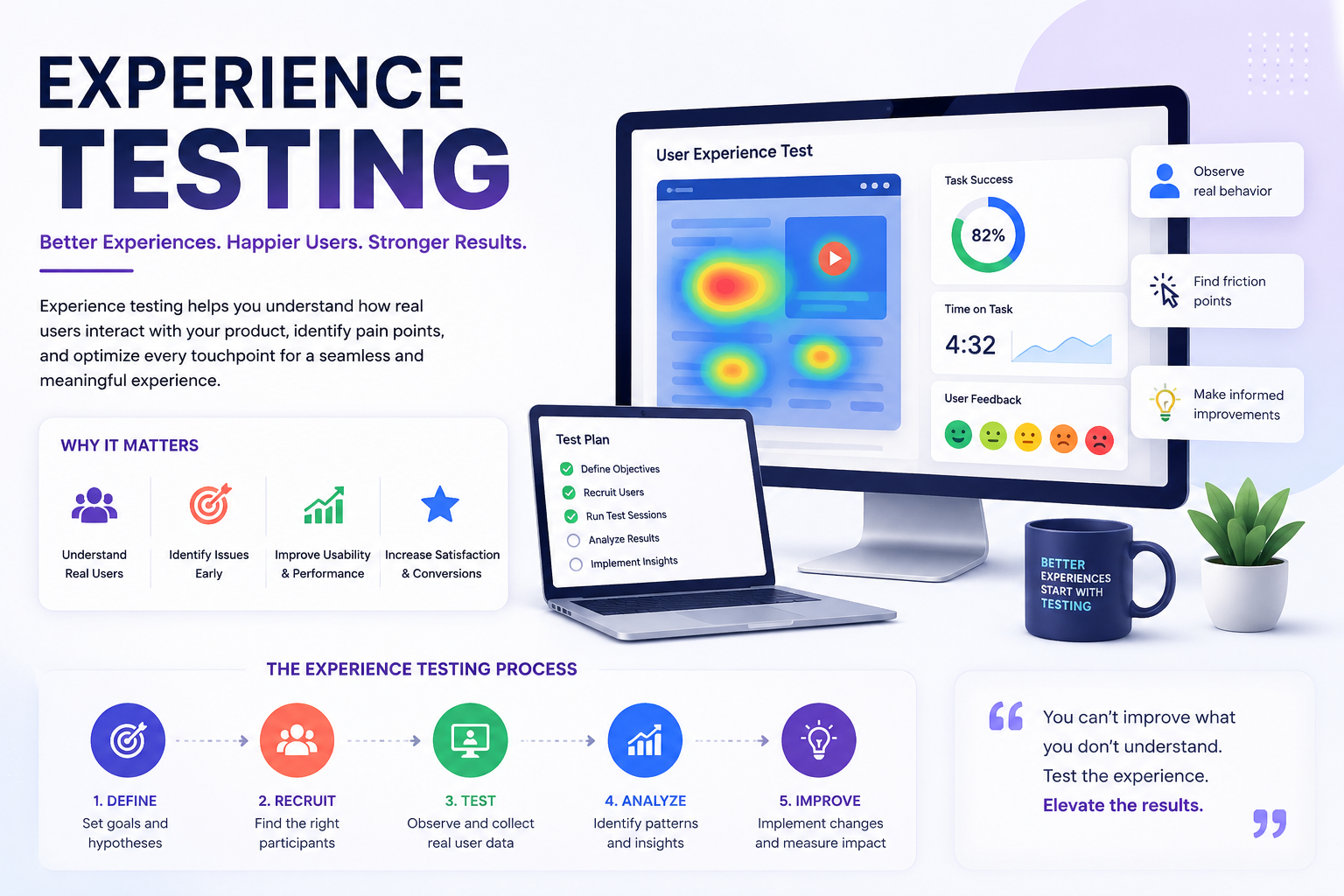
Read more →Learn how experience testing and activity-based personalization help growth teams turn onsite behavior into higher conversions with PRZIO.
Read more →Connect this product to the rest of your PRZIO growth stack.
Book a walkthrough tailored to your funnel, or start free and explore inside your PRZIO project today.