Great web UI design is not only about making a website look polished. For ecommerce brands, landing pages, SaaS businesses, and growing online stores, UI design is the system that helps visitors understand your offer, trust your brand, and take the next useful action. A well-designed interface makes browsing easier, reduces confusion, supports faster decision making, and creates a better path from first visit to conversion.
For PRZIO users, web UI design becomes even more powerful because design decisions can connect directly to hosting, tracking, personalization, campaigns, popups, forms, and product recommendations. Instead of treating design as a static visual layer, growth teams can use PRZIO to publish faster pages, measure behavior, test page variants, and create more relevant experiences for every audience segment.
What Makes Web UI Design Effective?
Effective web UI design combines visual clarity, usability, speed, relevance, and conversion intent. A beautiful interface that loads slowly, hides important buttons, or sends users through a confusing checkout path will still lose revenue. Strong UI design helps people quickly answer three questions: where am I, what can I do here, and why should I trust this brand?
This is especially important on ecommerce websites. A shopper may compare several brands in a few minutes. Your navigation, product cards, product detail pages, cart layout, promotional areas, and forms all influence whether that shopper continues or leaves. A good UI is calm, organized, and intentional. It should guide attention without overwhelming the visitor.
Core Principles of Web UI Design
1. Build a Clear Visual Hierarchy
Visual hierarchy tells visitors what matters first. Headlines should communicate the main value proposition. Product images should be large enough to evaluate. Calls to action should stand out without looking aggressive. Supporting details such as reviews, shipping information, FAQs, and policies should be easy to scan.
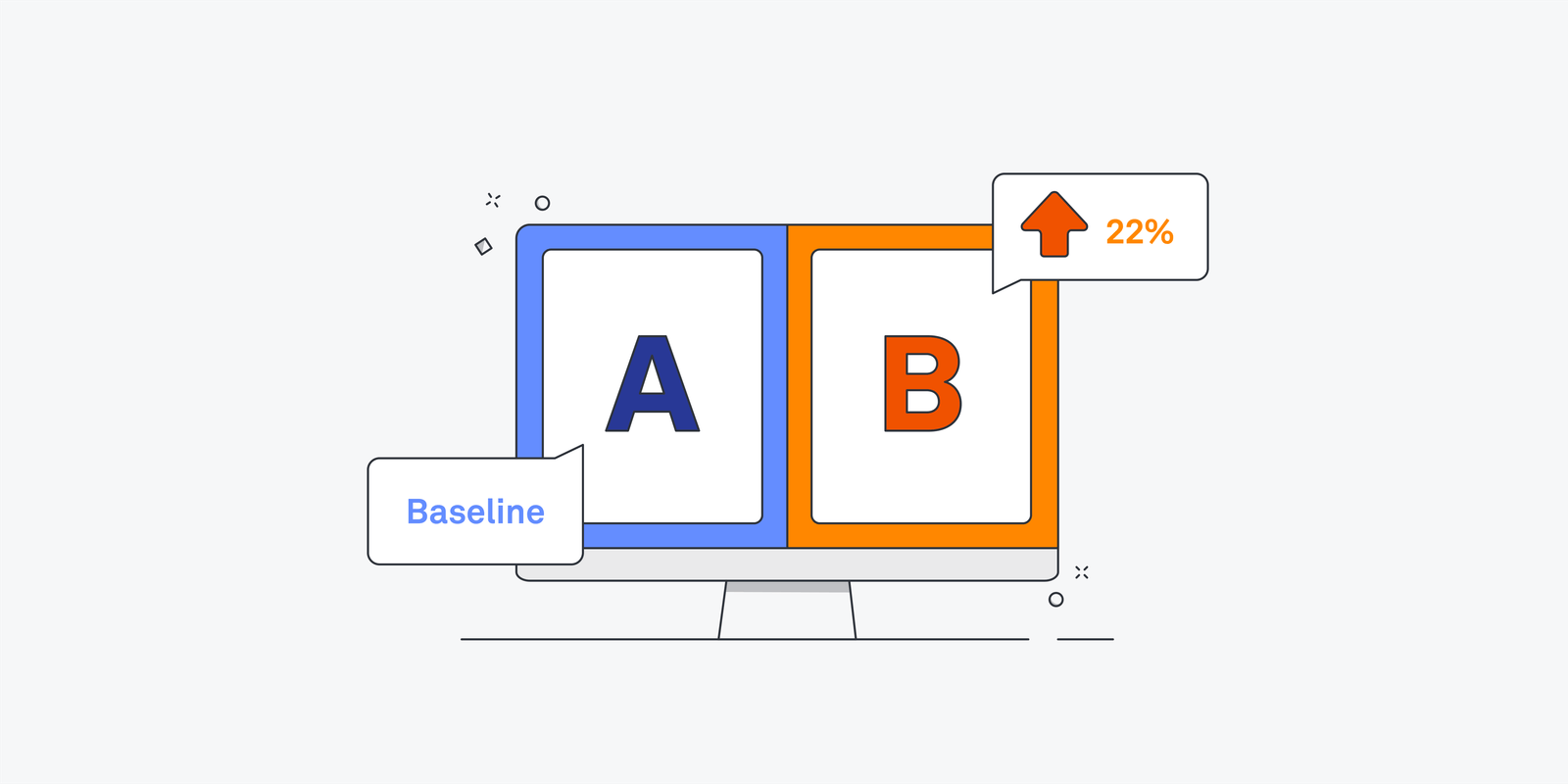
A simple rule is to make the most important action visually obvious on every key page. On a homepage, that may be shopping a collection or exploring a best-selling category. On a product page, it may be adding to cart. On a lead generation page, it may be submitting a form. PRZIO teams can pair this design approach with AB Testing & Personalization to compare hero sections, CTA labels, page variants, and audience-specific messaging.
2. Keep Navigation Simple
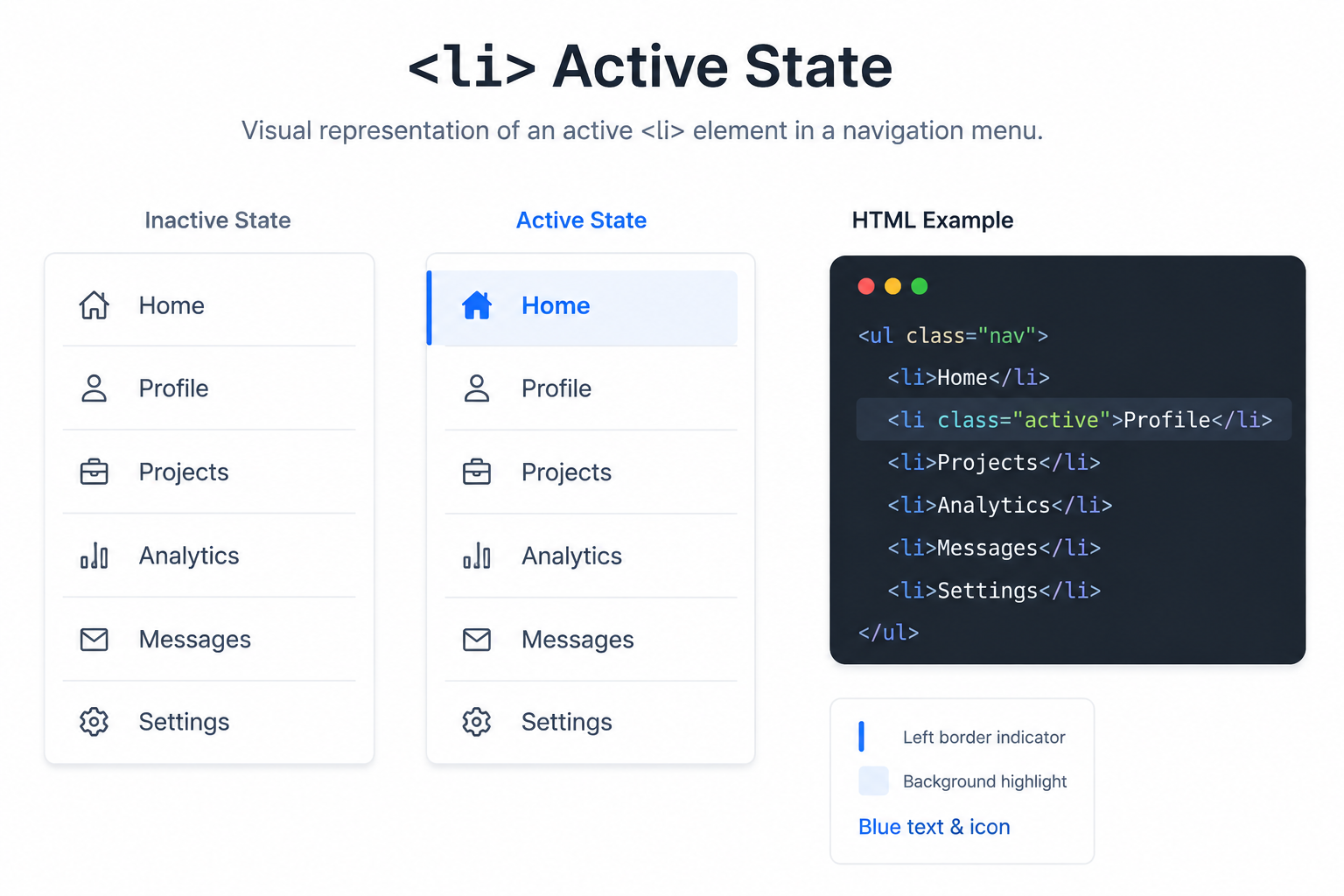
Navigation should help users move through the site without thinking too much. Avoid cluttered menus, vague category names, or too many competing paths. For ecommerce stores, top navigation usually works best when it highlights primary product categories, search, cart, account access, and key offers.
Mobile navigation deserves special attention. Many visitors browse from phones, so menus, filters, buttons, and forms must be thumb-friendly. Keep tap targets large, avoid tiny text, and place important actions where users naturally interact with the screen.
3. Design for Speed and Stability
Performance is part of UI design. If a page jumps while loading, delays product images, or takes too long to become interactive, the experience feels unreliable. Speed supports trust. It also supports SEO, paid campaign performance, and conversion rate optimization.
PRZIO's Free Web Hosting can help teams launch fast static or WordPress experiences with deploy, domains, HTTPS, and the marketing SDK. That matters because strong UI design should be backed by reliable delivery. A clean layout works best when the page is also fast, stable, and easy to maintain.
How Personalization Improves UI Design
Modern web UI design should not treat every visitor exactly the same. A returning shopper, first-time visitor, cart abandoner, and VIP customer may all need different information. Personalization helps the interface become more useful without requiring a complete redesign for every campaign.
For example, a first-time visitor might see a welcome offer and product education. A returning shopper might see recently viewed categories, loyalty messaging, or recommendations based on browsing behavior. A visitor from a paid ad might land on a page that matches the promise in the ad creative. These experiences feel smoother because the UI responds to intent.
The key is to keep personalization helpful, not distracting. Use personalized modules where they reduce friction: hero messaging, product recommendations, collection order, popup timing, form fields, email capture offers, and post-click landing pages.
Conversion-Focused UI Elements
These elements should work together as one experience. A popup should not cover a critical button. A recommendation carousel should not slow the product page. A form should not ask for too much information before a visitor understands the value. Good UI design is coordinated across the entire journey.
Use Data to Improve the Interface
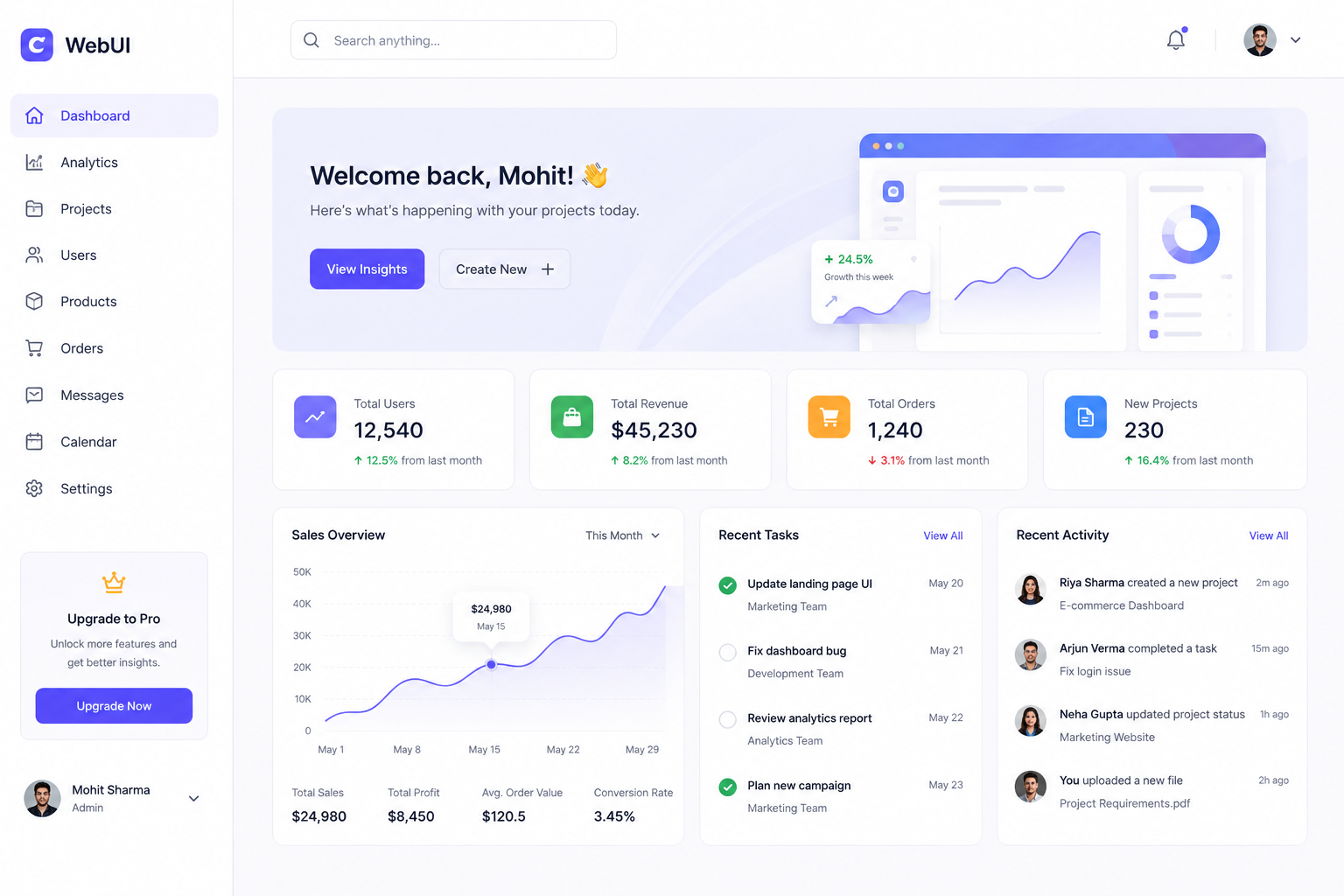
Design teams often have strong opinions about what looks best, but visitor behavior should guide the final decisions. Use analytics to understand where people click, where they abandon, which pages convert, and which campaigns bring qualified traffic. PRZIO's Website Tracker gives growth teams event-level activity metrics that can inform better design choices.
For example, if visitors frequently view a product page but rarely add to cart, the issue may be unclear pricing, weak product imagery, missing shipping information, poor CTA placement, or low trust. If users abandon a form, the form may be too long or introduced too early. If a homepage receives traffic but category clicks are low, the visual hierarchy may need work.
Practical Web UI Design Workflow
- Audit the current journey: Review homepage, category pages, product pages, cart, checkout, forms, and campaign landing pages.
- Identify friction: Look for slow-loading sections, unclear copy, hidden CTAs, confusing navigation, and unnecessary form fields.
- Prioritize high-impact pages: Start with pages that receive the most traffic or influence the most revenue.
- Create testable improvements: Change one major element at a time, such as hero copy, CTA placement, recommendation modules, or form length.
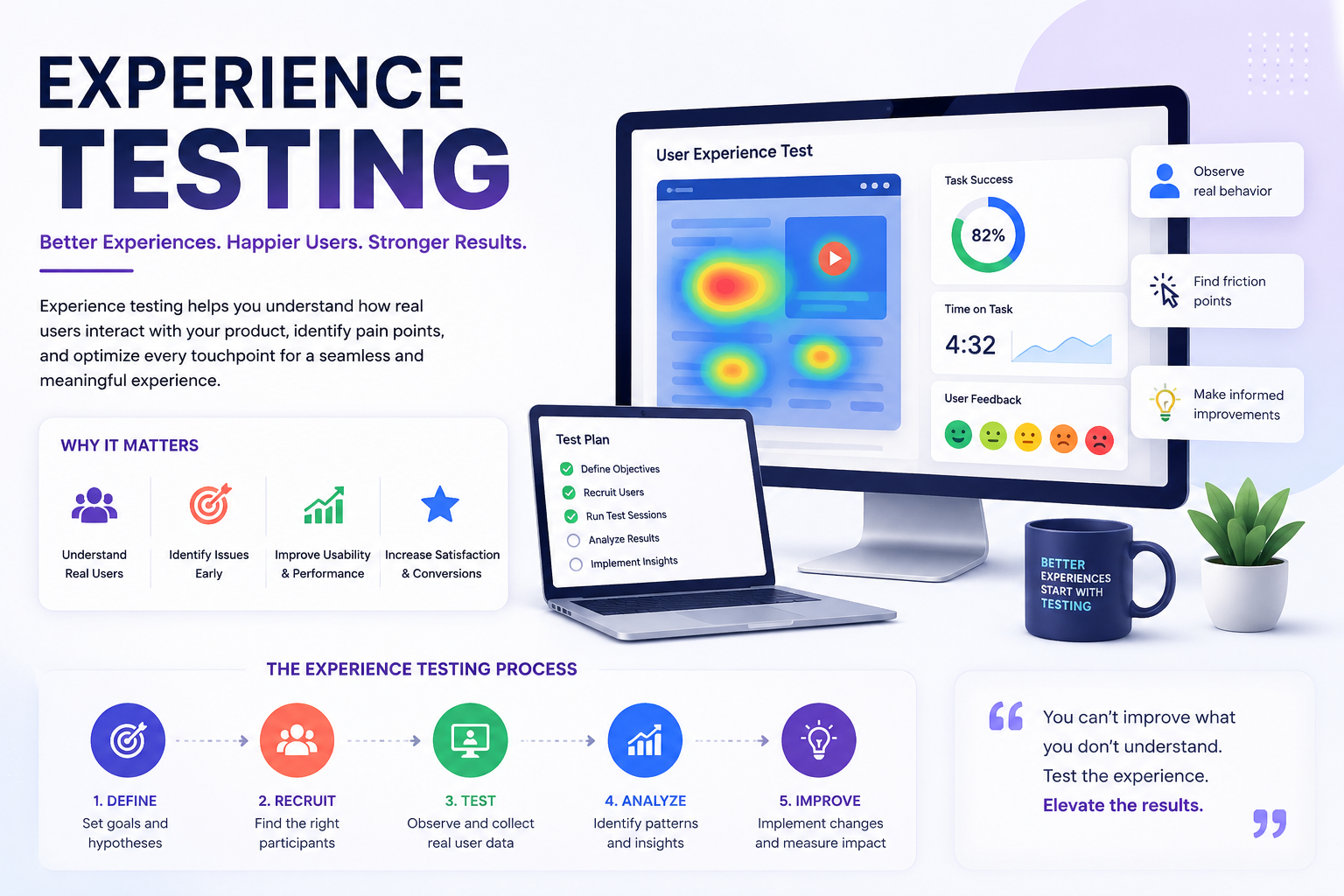
- Measure and iterate: Use tracking and A/B testing to confirm whether the design change improves conversion, engagement, or revenue.
Strong web UI design is a growth system. It combines clear visuals, fast pages, relevant messaging, and continuous testing.
CTA: Build Better Web Experiences With PRZIO
Want to integrate this into your storefront or website? PRZIO helps you ship hosting, personalization, campaigns, and recommendations from one platform. You can book a demo to discuss your growth goals, or explore AB Testing & Personalization to start creating cleaner, more relevant web experiences.
FAQs About Web UI Design
What is web UI design?
Web UI design is the process of designing the visual and interactive parts of a website, including layout, navigation, buttons, forms, product sections, and content structure. Its goal is to make the website easy, useful, and conversion-friendly.
How does UI design affect ecommerce conversions?
UI design affects how quickly shoppers understand products, trust the brand, find information, and complete actions. Better UI can reduce friction across browsing, product evaluation, cart, checkout, and lead capture.
Should web UI design be tested?
Yes. Testing helps teams avoid guessing. By using A/B tests and behavior tracking, you can learn which layouts, messages, CTAs, and offers perform best for different audiences.
How can PRZIO support web UI design?
PRZIO supports web UI design through hosting, tracking, personalization, popups, forms, email campaigns, recommendations, and A/B testing. These tools help teams create, measure, and improve conversion-focused web experiences.