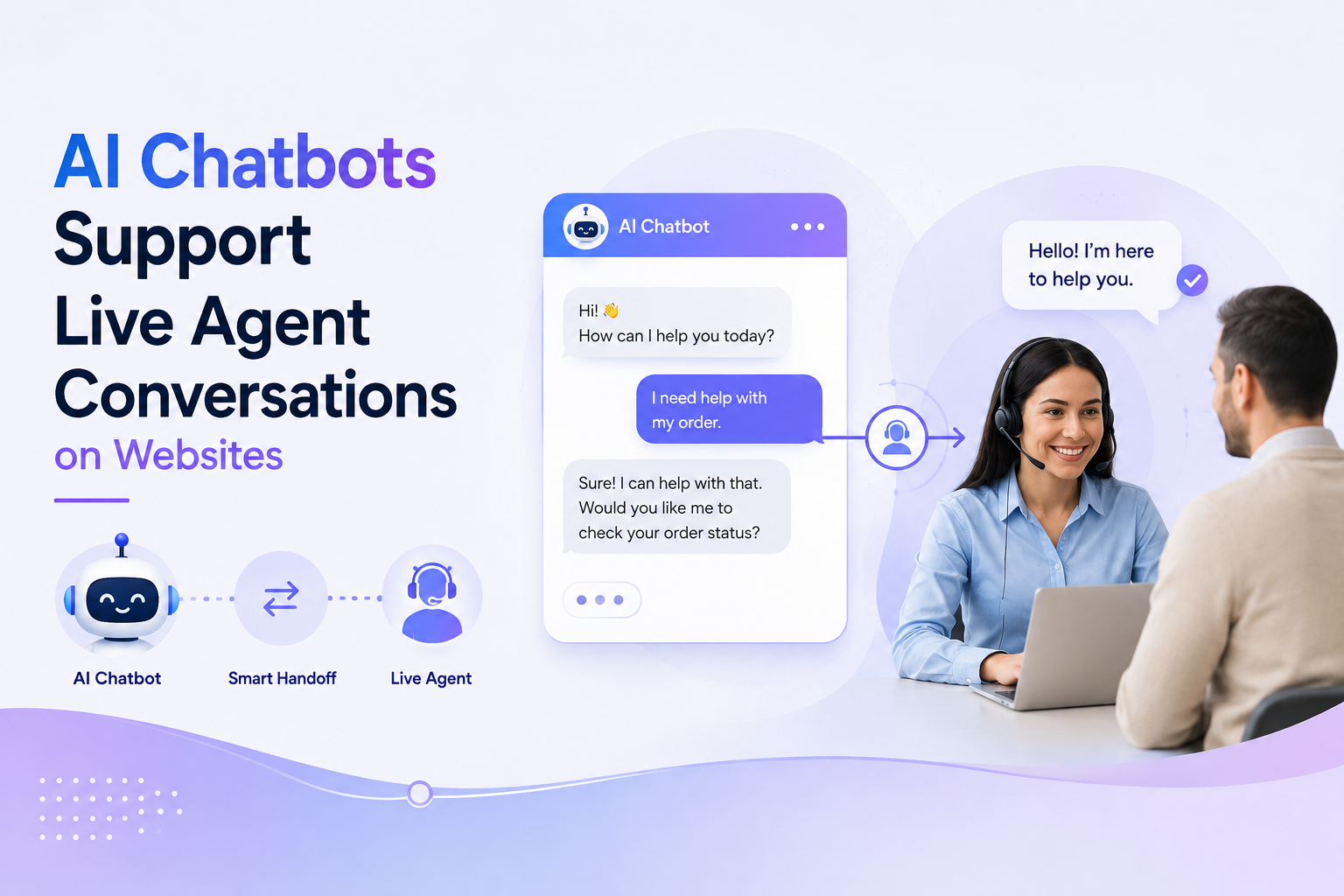

Shoppers rarely browse in silence. They compare sizes, check shipping, wonder if an item fits their use case, and leave when answers are not immediate. A product chatbot on your website closes that gap by giving visitors fast, relevant help exactly where they are shopping—on product pages, in the cart, and during checkout.
Unlike generic support bots that only handle tickets, a product-focused chat assistant understands your catalog, policies, and brand voice. It turns passive traffic into guided buying journeys. This guide walks through what to build, how to implement it, and how platforms like PRZIO make deployment straightforward for ecommerce and marketing teams.
What Is a Product Chatbot—and Why Does Your Site Need One?
A product chatbot is an AI-powered assistant embedded on your website that answers shopper questions in real time. It can explain product features, suggest alternatives, clarify return policies, and nudge hesitant visitors toward a purchase.
The business impact is measurable. Sites that respond quickly to buyer intent typically see:
If you sell online—whether through a static storefront, WordPress site, or custom build—a product chatbot is one of the highest-leverage onsite tools you can add without rebuilding your entire stack.
Key Features to Look for in a Website Chatbot
Not every chat widget delivers the same results. Before you implement one, confirm your solution includes these capabilities:
Project and catalog context
The bot should know your products, FAQs, shipping rules, and brand tone—not just generic small talk. Context-aware assistants give accurate answers instead of vague replies that frustrate shoppers.
Conversion-focused chat UI
Look for a chat interface designed for sales, not just support tickets. That means clear product cards, quick-reply buttons, and paths that lead naturally to add-to-cart or contact actions.
Audience-aware targeting
First-time visitors and returning customers have different needs. A strong setup lets you show tailored messages based on behavior, traffic source, or segment.
Integration with your growth stack
Chat works best when connected to recommendations, email, popups, and analytics. Siloed tools create disconnected experiences; unified platforms keep the shopper journey consistent.
PRZIO's Product Chat Assistant is built around these principles—AI chat with project context and a conversion-focused chat UI designed for ecommerce teams who want results, not another disconnected widget.
How to Implement a Product Chatbot on Your Website
Follow these practical steps to go from idea to live assistant without a lengthy development cycle.
Step 1: Define the jobs your chatbot should handle
Start with the top five questions shoppers ask before buying. Examples include sizing, compatibility, delivery timelines, warranty coverage, and product comparisons. Write clear answers and note which questions should trigger a recommendation or a handoff to a human.
Step 2: Prepare your product and policy knowledge
Feed the bot structured information: product descriptions, category pages, shipping and return policies, and common objection handlers. The more accurate your source material, the more trustworthy the assistant feels on live pages.
Step 3: Choose where the chatbot appears
Most teams launch on high-intent pages first:
- Product detail pages (PDPs) — answer spec questions and reduce bounce
- Cart and checkout — resolve last-minute doubts that cause abandonment
- Homepage and collection pages — guide discovery for new visitors
- Support or FAQ pages — deflect repetitive tickets
Start with one or two placements, measure performance, then expand.
Step 4: Embed the chat widget on your site
Implementation usually requires adding a lightweight script or SDK to your site header or footer. If you host with PRZIO, Free Web Hosting includes deploy tooling, HTTPS, domain support, and the marketing SDK—so you can publish pages and activate onsite tools from one place instead of juggling separate vendors.
For existing sites, paste the embed code once. The widget typically loads asynchronously so it does not slow page performance.
Step 5: Connect chat to recommendations and audiences
A product chatbot becomes far more powerful when it can suggest relevant items. Pair chat with Product Recommendations so the assistant can surface complementary products on PDPs, in the cart, and on your homepage—turning questions into revenue.
Sync visitor data through Audience Manager to recognize returning shoppers, personalize greetings, and route high-value segments to tailored offers or follow-up email campaigns.
Step 6: Track events and optimize
Measure what matters: chat opens, questions asked, recommendation clicks, and assisted conversions. Use Website Tracker to capture event-level activity so your growth team can see which pages, messages, and flows drive results—and iterate weekly.
Real-World Use Cases That Drive Revenue
Here are three scenarios where a product chatbot consistently outperforms static FAQ pages:
Guided product selection. A shopper lands on a category with dozens of options. The bot asks two or three qualifying questions—budget, use case, preferred features—and narrows the list to three strong matches with direct links.
Cart rescue. A visitor hesitates on shipping cost or delivery date. The bot explains options instantly, offers a relevant bundle through recommendations, and removes friction before the tab closes.
Post-purchase confidence. New customers ask about setup, care instructions, or warranty registration. Fast answers reduce buyer's remorse and support tickets while building trust for repeat purchases.
Tip: Write chat prompts the way your best sales associate would talk—clear, helpful, and never pushy. Shoppers reward honesty over hard sells.
Common Mistakes to Avoid
Frequently Asked Questions
How long does it take to add a chatbot to my website?
With a platform like PRZIO, most teams can configure context, customize the widget, and embed it in a single afternoon. Complex catalog integrations may take longer, but you can start with core FAQs and expand over time.
Will a chatbot slow down my site?
Modern chat widgets load asynchronously and have minimal impact on Core Web Vitals when implemented correctly. Test on mobile after deployment and monitor page speed alongside conversion metrics.
Can a product chatbot replace my support team?
It reduces repetitive volume but does not replace humans entirely. Use the bot for common product and policy questions, and route edge cases to your team with full conversation context.
Does PRZIO work with ecommerce stores?
Yes. PRZIO is designed for growth-focused websites and storefronts that need hosting, personalization, campaigns, and onsite conversion tools in one platform. The Product Chat Assistant integrates with PRZIO's broader suite so chat, recommendations, and audiences work together.
How do I measure chatbot ROI?
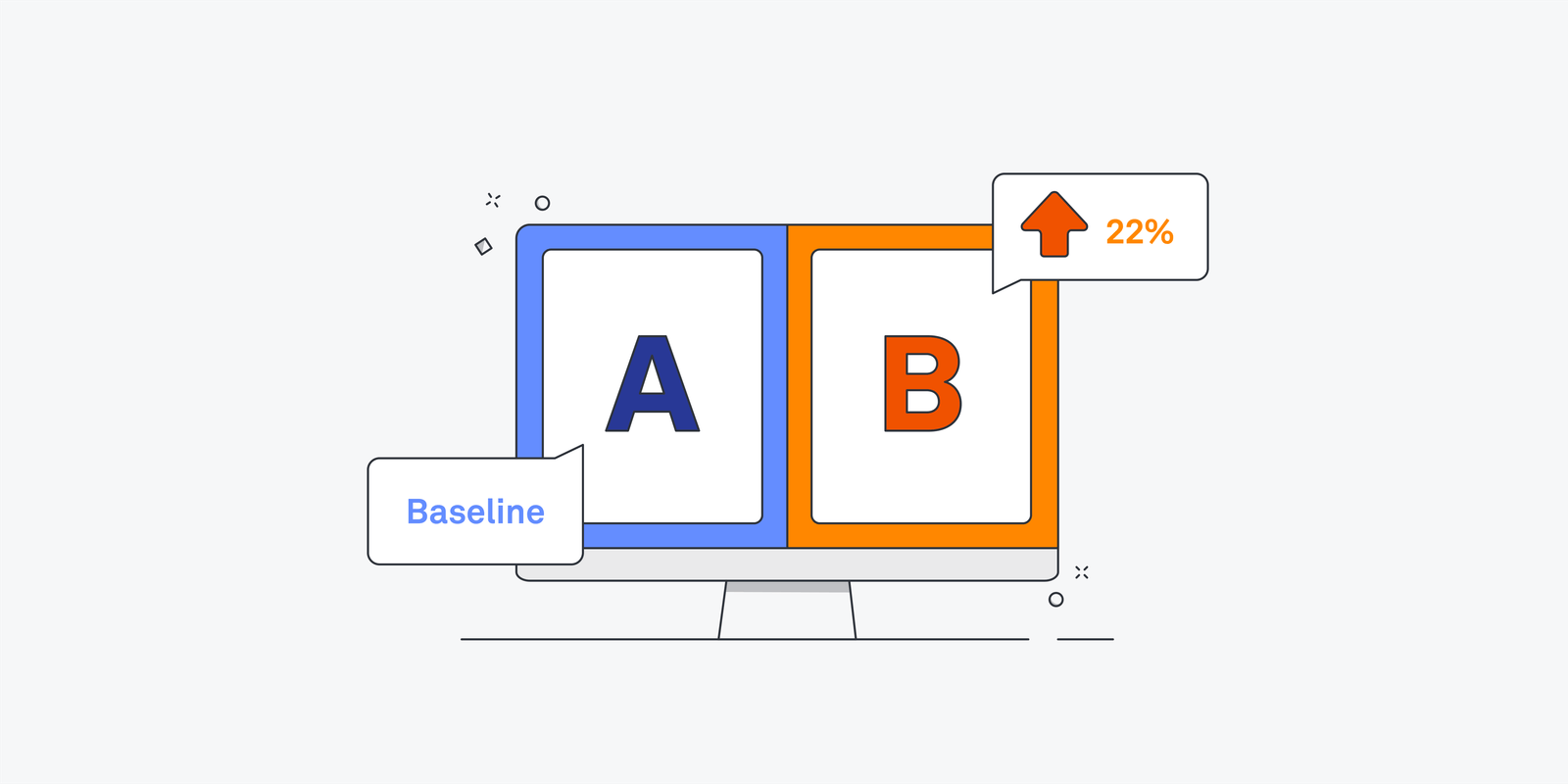
Track assisted sessions, click-through on recommended products, reduction in support tickets, and lift in conversion rate on pages where chat is active. Compare test periods before and after launch for a clear baseline.
Why PRZIO Is the Right Choice for Your Product Chatbot
Many chat tools solve messaging in isolation. PRZIO approaches onsite growth holistically. When you implement the Product Chat Assistant on PRZIO, you gain an AI chatbot with project context, a conversion-focused interface, and native connections to recommendations, audiences, email, popups, and event tracking.
That means a shopper who asks about running shoes can get a tailored answer, see related products, enter a segmented audience for a follow-up campaign, and trigger measurable events your team can optimize—all without stitching together five different subscriptions.
Whether you are launching a new site on PRZIO hosting or enhancing an existing storefront, you get one platform to ship, personalize, and convert.
Ready to Add a Product Chatbot to Your Site?
Want to integrate this into your storefront or website? PRZIO helps you ship hosting, personalization, campaigns, and recommendations from one platform. Book a demo to see how the Product Chat Assistant fits your catalog, or explore the Product Chat Assistant to get started today.