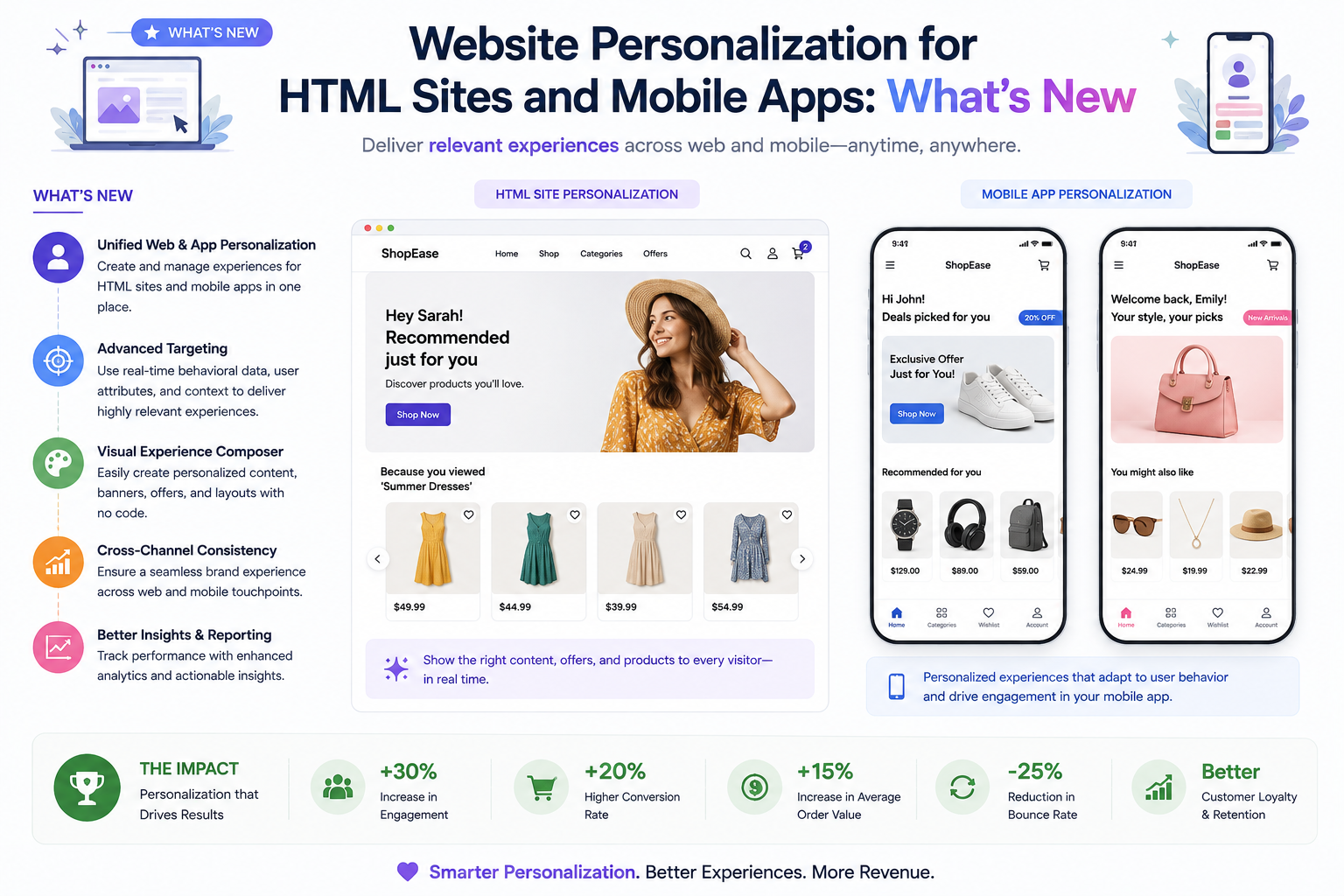
Website personalization is the practice of adapting a digital experience to a visitor’s context, behavior, and needs. For ecommerce teams, that can mean showing a first-time visitor a clear value proposition, helping a returning shopper continue their product discovery, or giving a high-intent customer a relevant offer before they leave. Whether your storefront is built with HTML, a CMS, or a mobile app, the goal is the same: make each next step easier and more useful.
What is new in personalization is not simply changing headlines or adding a visitor’s name to a banner. Modern programs connect consented first-party data, event-level behavior, audience rules, clean experimentation, and merchandising decisions. This creates helpful journeys without relying on assumptions about people or making the experience feel intrusive.
What is changing in website personalization
The strongest personalization strategies are moving from isolated page edits to coordinated customer journeys. Instead of treating every visitor the same, growth teams use a small number of meaningful signals to decide what content, offer, or product selection deserves priority.
How personalization works on an HTML website
HTML websites are well suited to focused personalization because teams can change a specific section of a page without rebuilding the entire storefront. Start with high-impact locations: the homepage hero, collection pages, product detail pages, cart, and exit moments. A visitor arriving from a campaign about running shoes, for example, should land on a page that continues that conversation instead of forcing them to start over.
Useful HTML personalization examples
Keep the original version of each experience as a control. That discipline prevents teams from confusing a visually different page with a genuinely better one. It also makes personalization easier to maintain as campaigns, inventory, and customer needs change.
Mobile app personalization needs shared customer context
A mobile app adds useful signals such as app version, notification permission, logged-in state, and repeated usage patterns. But the person using an app may also browse the website, open an email, or purchase on a different device. Treat the website and mobile app as different delivery surfaces, not different customers.
For example, a shopper who researches products on a mobile browser and later signs in through an app should not receive a generic welcome experience if their browsing history already shows clear intent. Shared audience definitions allow the next message, product grouping, or campaign to reflect what the shopper has already done.
Mobile app safeguards to plan for
A practical personalization workflow
- Choose one conversion goal. Start with a measurable outcome such as product-detail-page engagement, add-to-cart rate, email signup, or completed purchase.
- Map the customer signal. Identify the event or declared preference that makes an experience relevant. PRZIO’s Website Tracker provides event-level activity data for growth teams.
- Create a small audience. Begin with a segment that is easy to understand, such as returning visitors who viewed a category but did not add an item to cart.
- Design one useful change. Change the message, product set, offer, or navigation priority. Do not change everything at once.
- Run a controlled test. Compare the personalized version with the default experience and define success before the test starts.
- Reuse the winning insight. A successful segment can inform email, popup, recommendation, and future landing-page campaigns.
Common personalization mistakes to avoid
Personalization becomes less effective when it is too broad, too frequent, or impossible to explain. Avoid creating dozens of tiny audiences before you have validated a few important ones. Do not personalize based on sensitive assumptions, and do not let an offer appear so often that it distracts from shopping. Most importantly, do not judge success by clicks alone. A message may earn clicks while reducing completed orders, average order value, or long-term customer trust.
Good personalization feels like helpful continuity: the website remembers the shopper’s goal and makes the next decision simpler.
Frequently asked questions
What is the difference between personalization and A/B testing?
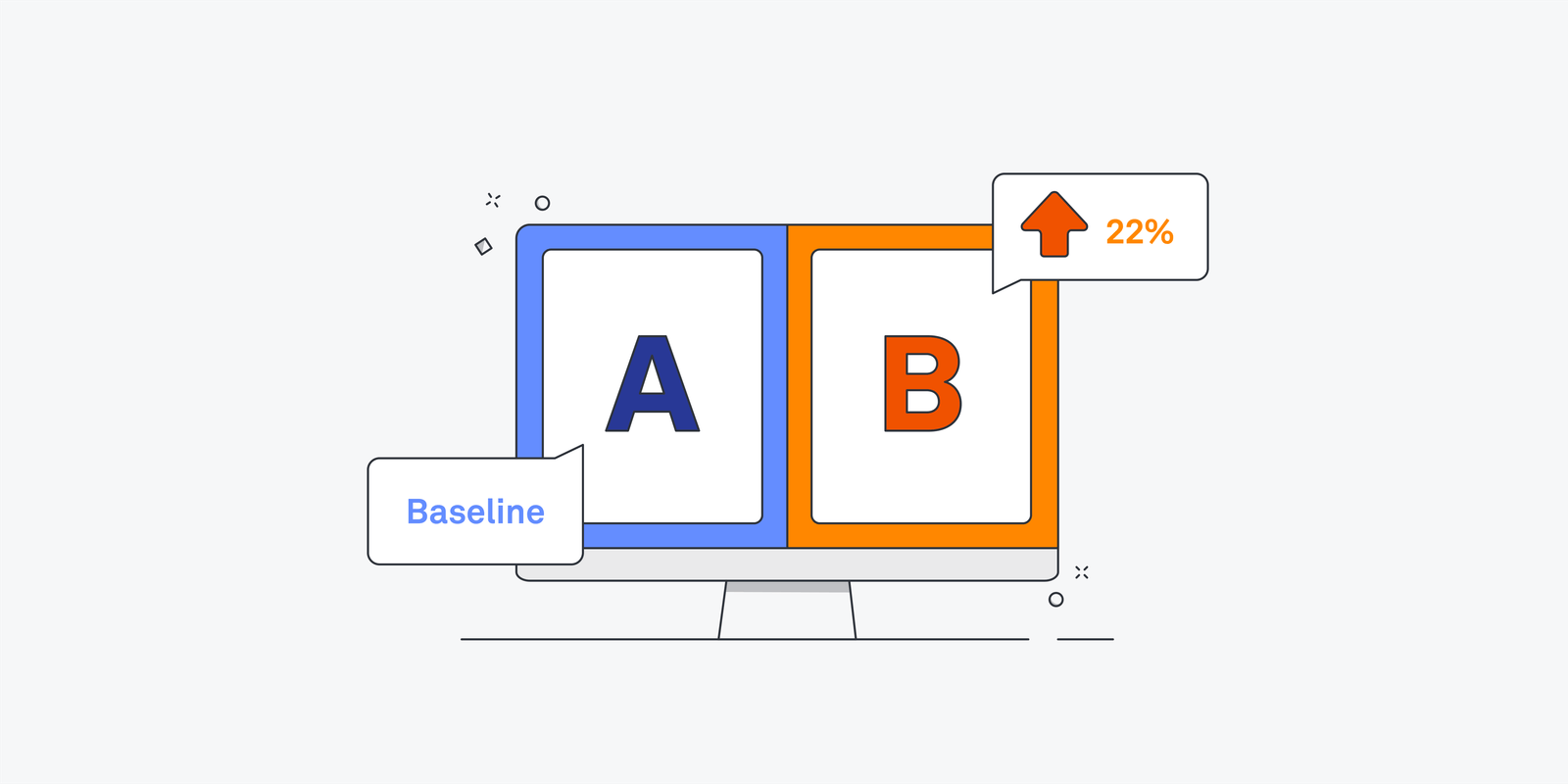
Personalization decides which relevant experience a visitor may see based on a defined signal or audience. A/B testing compares versions to determine whether a change improves a chosen metric. Effective growth teams use both: personalization to create relevance and testing to validate impact.
Can a small ecommerce business use personalization?
Yes. A small store can begin with one high-value use case, such as helping returning visitors resume browsing or showing a targeted email capture form after product engagement. Start simple, measure the outcome, and expand only after finding a repeatable win.
Which pages should be personalized first?
Prioritize pages closest to a valuable decision: campaign landing pages, collection pages, product detail pages, cart, and checkout-adjacent experiences. The best starting page depends on where your current funnel has the most drop-off.
Bring personalization into one growth workflow
Want to integrate this into your storefront or website? PRZIO helps you ship hosting, personalization, campaigns, and recommendations from one platform. Book a demo to discuss your growth workflow, or explore PRZIO AB Testing & Personalization to create audience-based page variants and measure what converts.